- Home
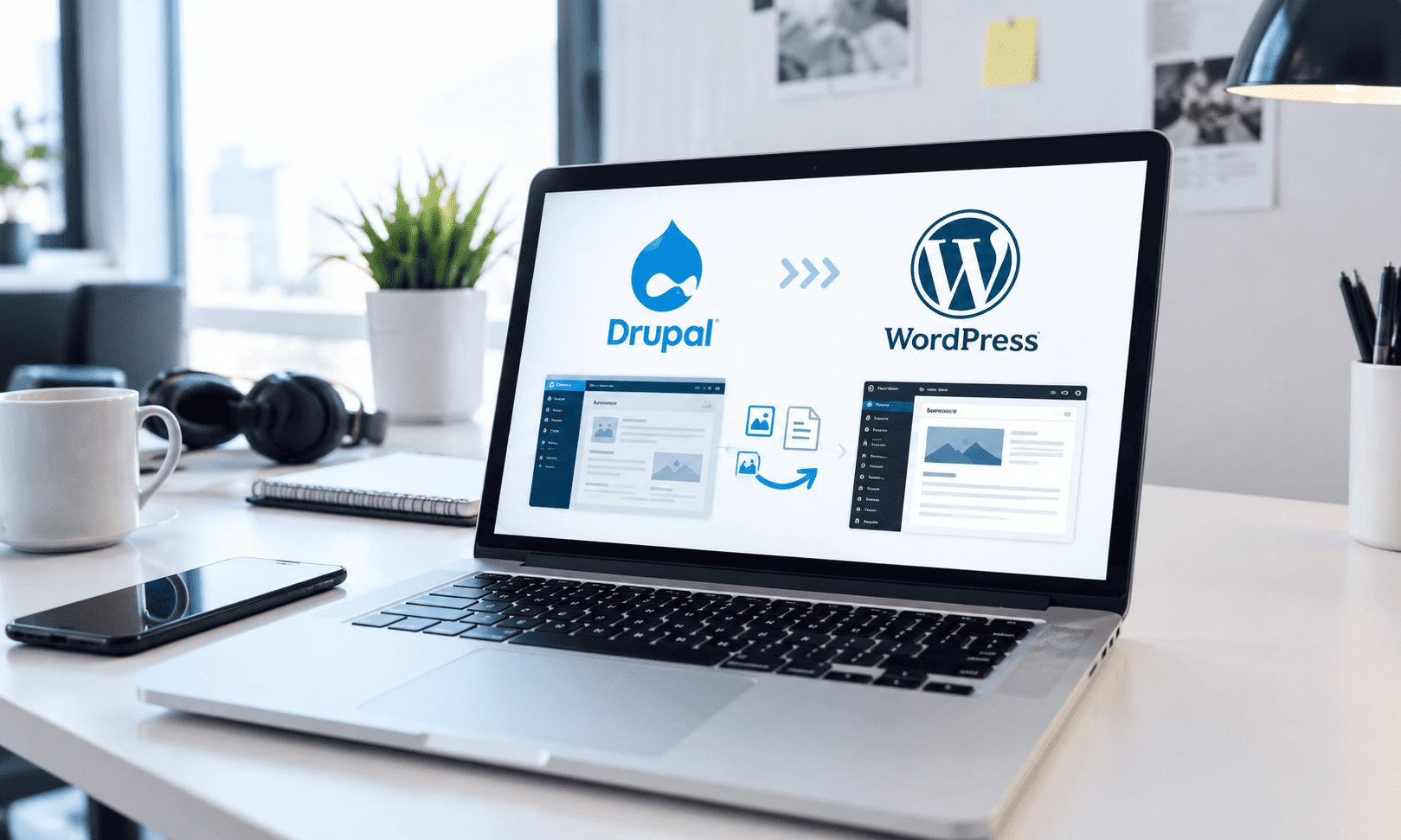
- Migrating from Drupal to WordPress to Increase Content Velocity
Migrating from Drupal to WordPress to Increase Content Velocity
August 17, 2026 - Projects
Client Profile
The client is a mid-sized B2B company with a marketing-led digital presence. Their website played a central role in demand generation, content marketing, and campaign execution. Content was updated frequently to support blogs, landing pages, and product communication.
Although the organization had invested in Drupal for flexibility and scalability, the platform had become difficult for non-technical users to manage. Most content updates required developer involvement, slowing execution and increasing costs.
The Challenge
Drupal provided robust capabilities, but its complexity became a barrier to day-to-day marketing needs. Publishing new content, updating layouts, or running experiments often required development support, even for relatively simple changes.
As a result, content velocity declined. Marketing teams avoided experimentation because changes took too long to implement. Campaign timelines stretched, and opportunities to respond quickly to market signals were missed.
The organization needed a CMS that prioritized ease of use, editorial autonomy, and speed—without sacrificing performance, SEO, or long-term stability.
Project Goals
The primary goal was to enable marketing teams to own content creation and publishing independently. The organization wanted faster publishing cycles, lower dependency on developers, and a CMS aligned with how the team actually worked.
At the same time, the migration needed to protect existing search visibility and ensure continuity for users and stakeholders.
The Approach
The migration began with a comprehensive content and SEO audit. Existing pages, templates, and assets were reviewed to identify high-value content, outdated materials, and redundant structures.
Rather than migrating everything blindly, the project focused on quality over quantity. High-performing and strategically important content was prioritized, while unused or low-value assets were retired. This reduced clutter and simplified the new platform.
Content structures were simplified during migration. Overly complex content types were consolidated into more intuitive formats aligned with WordPress best practices. This made content easier to manage and reuse.
Custom WordPress templates were rebuilt with a focus on performance, accessibility, and usability. The goal was to provide flexible layouts that empowered marketers without introducing unnecessary complexity.
SEO continuity was treated as a core requirement. URL structures, metadata, internal linking, and redirects were carefully planned to preserve rankings and traffic.
Migration Execution and Risk Management
The migration was executed in controlled phases to minimize disruption. Content was migrated incrementally, allowing teams to validate accuracy and formatting as the process progressed.
Testing focused on content integrity, page performance, and editorial workflows. Feedback from internal teams was incorporated early to ensure the platform met real-world needs.
Clear documentation and training were provided to support adoption and confidence.
The Outcome
After migration, the organization experienced a noticeable increase in content velocity. Marketing teams could publish, update, and experiment without waiting for developer support.
Dependency on developers decreased significantly, reducing costs and freeing technical resources for higher-value work. Maintenance became simpler and more predictable.
Team adoption improved as the CMS aligned with familiar workflows. Editors gained confidence, and content operations became more efficient.
Key Results
– Faster content publishing and campaign execution
– Reduced reliance on developers for routine updates
– Lower ongoing maintenance and support costs
– Improved CMS adoption and editorial confidence
– Preserved SEO performance and site stability
Key Takeaway
The most powerful CMS isn’t the most flexible one—it’s the one your teams can actually use every day. Aligning technology with workflows unlocks efficiency and momentum.
If your CMS slows your team down, migration may unlock efficiency.